
DCM to STL Conversion Service (CBCT Segmentation)
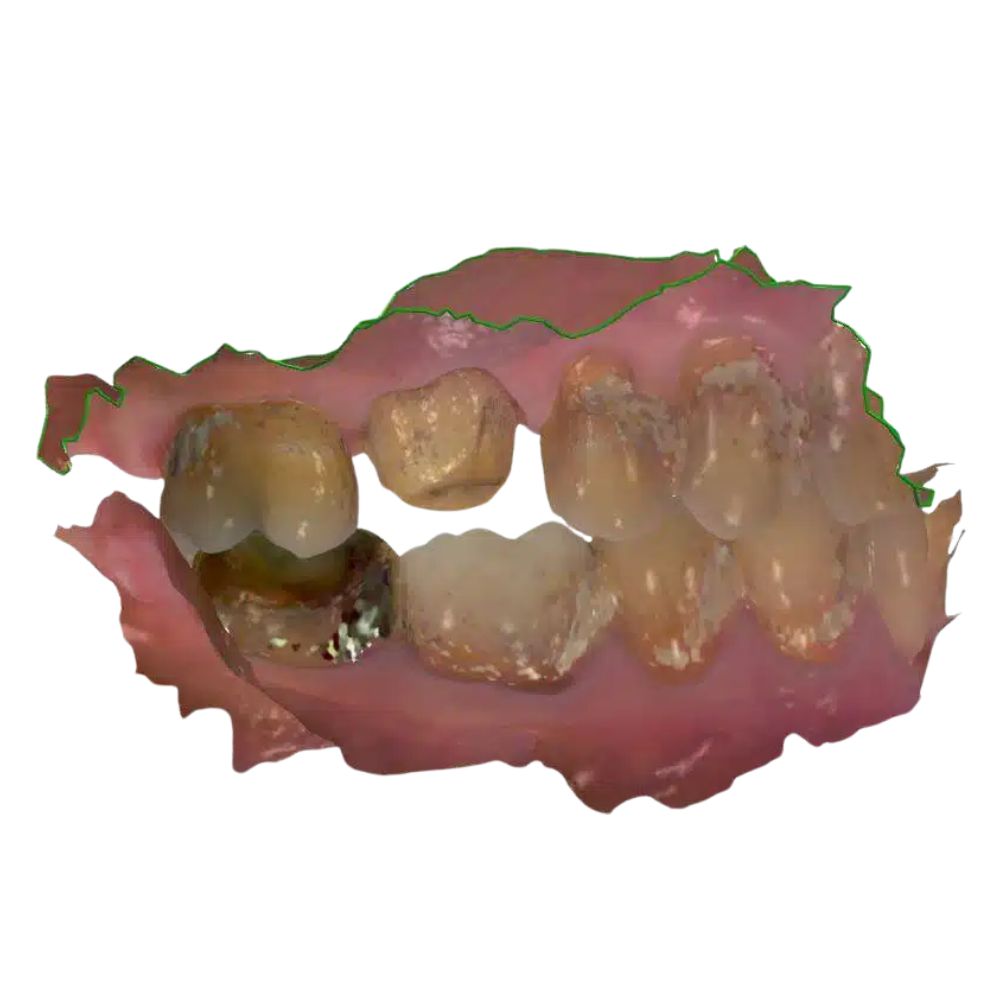
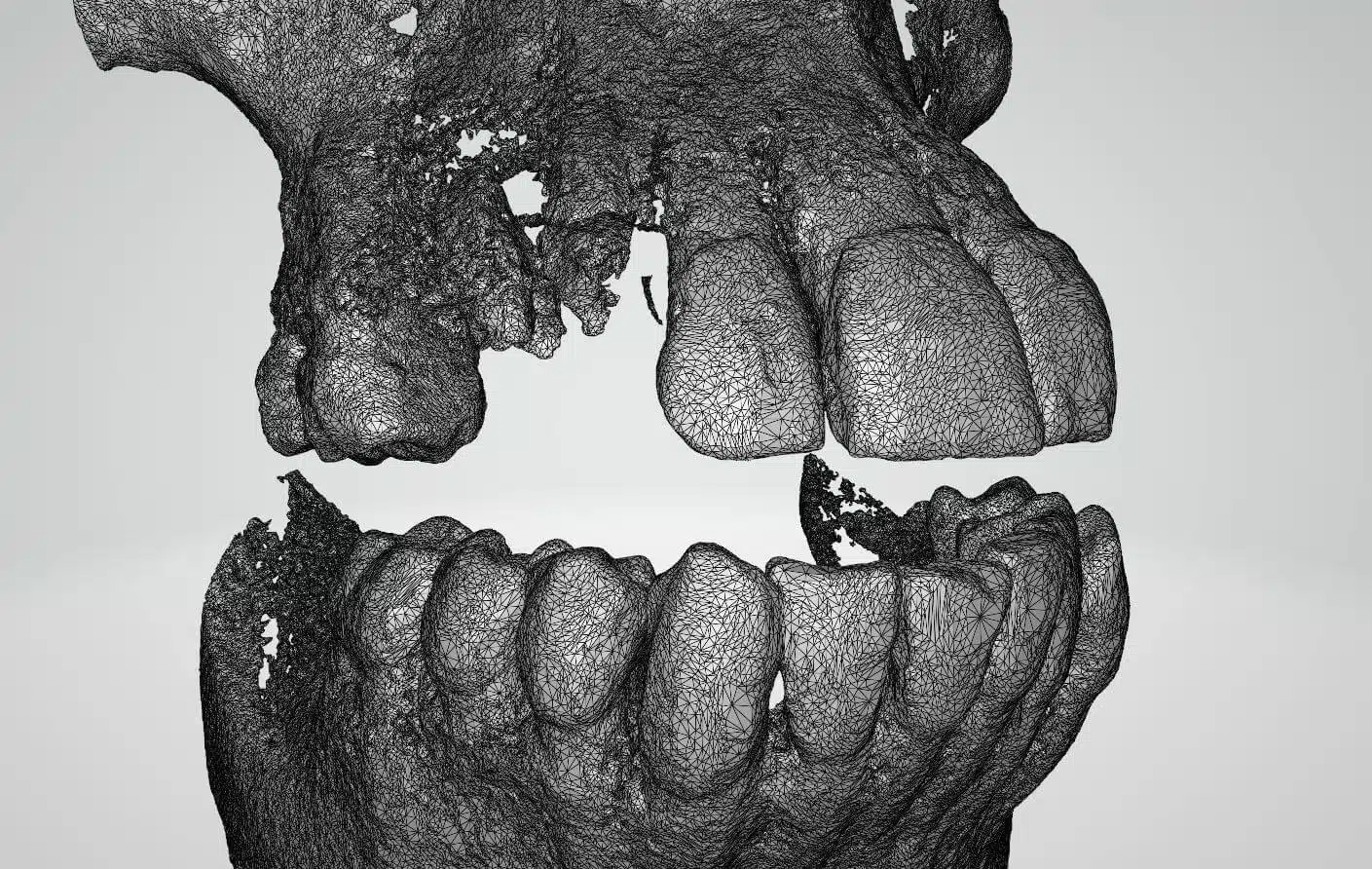
High-precision DCM to STL Conversion services for US dental labs. We manually segment raw CBCT data, remove severe scatter artifacts, and deliver overnight, watertight, print-ready STL files. Perfectly optimized for smooth loading in Exocad and 3Shape. 100% HIPAA secure B2B outsourcing.
Why Partner with China Dental Design?
- Native 3Shape & Exocad: Get 100% compatible, mill-ready CAD files with zero conversion errors.
- Strictly Secure (HIPAA): Patient data is protected via encrypted portals and strict NDAs.
- Overnight Turnaround: Upload at the end of your day, download ready-to-mill files the next morning.
- Quality Guarantee: Fast, free design revisions until you are completely satisfied with the digital fit.
Turn Raw CBCT Data into Flawless, Usable Geometry.
Raw CBCT scans (.dcm files) are essentially just stacked 2D slices. To effectively utilize this clinical data for 3D printing or surgical planning within standard CAD software, you absolutely need a high-quality, lightweight surface mesh. China Dental Design offers a premium DCM to STL Conversion Service (also known as CBCT Segmentation). We don’t rely on flawed automated algorithms; our expert technicians manually process your data to filter out severe “noise” and deliver a clean, watertight 3D model.
Technical CAD Engineering Specifications
Standard automated converters almost always fail because of clinical “scatter” (metal artifacts). Our dedicated segmentation team applies advanced digital processing techniques to guarantee a flawless export:
Advanced Data Cleaning (Segmentation)
- Scatter Removal: Existing metal fillings, crowns, and implants cause massive “starburst” artifacts in the CBCT scan. We manually filter these visual distortions out to reveal the true underlying bone structure.
- Precise Thresholding: We expertly adjust the Hounsfield units to accurately and distinctly separate cortical bone from cancellous bone and surrounding soft tissue.
- Jaw Separation: We isolate the arches and deliver completely separate STL files for the Maxilla (Upper Jaw) and Mandible (Lower Jaw) for easier CAD manipulation.
Digital File Optimization
- Watertight Mesh Repair: The final exported STL is strictly “watertight” (manifold), meaning it has zero holes or inverted normals, making it 100% safe and ready for any 3D printer ecosystem.
- Intelligent Decimation: Raw CBCT exports can be massively heavy. We mathematically optimize (decimate) the file size without losing a single micron of anatomical detail, ensuring the STL loads instantly and smoothly in Exocad or 3Shape without crashing your PC.
100% HIPAA Secure Digital Workflow
Because .dcm files contain highly sensitive Protected Health Information (PHI), we strictly forbid the use of unsecured public transfer links like WeTransfer or Google Drive.
- Export & Compress: Export the CBCT scan from your imaging software as a “Multi-file DICOM” folder. Right-click the folder and compress it into a single .ZIP file.
- Secure Upload: Upload the .ZIP file exclusively through our 256-bit encrypted, 100% HIPAA-compliant B2B client portal.
- Expert Processing: We execute the DCM to STL Conversion Service overnight.
- Download: Receive your clean, lightweight STL/OBJ files securely the next morning.
Planning a Complex Surgery?
Stop struggling with incredibly heavy, slow-loading DICOM viewers. Let our offshore CAD experts extract a lightweight, print-ready STL of the patient’s jaw for you today.
Set up your secure transfer portal today:
direct@chinadentaldesign.net
Frequently Asked Questions
- What is the difference between DCM and DICOM?
In medical and dental imaging, they are fundamentally the same and are used interchangeably. “.dcm” is simply the file extension for a DICOM (Digital Imaging and Communications in Medicine) file. Our software accepts all standard .dcm formats from any modern CBCT machine. - Can you digitally trace the nerve?
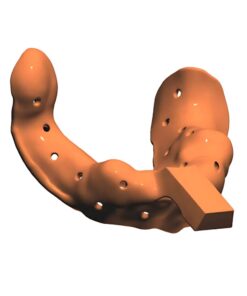
Yes. Upon your specific request, our clinical technicians can accurately trace the Inferior Alveolar Nerve canal and export it as a separate, distinct STL “tube.” This allows you to import the nerve directly into your CAD software for incredibly safe implant planning.
Only logged in customers who have purchased this product may leave a review.
Please enter the correct phone number so we can call to confirm your order before shipping. Thank you!
Reviews
There are no reviews yet.